See the person.
Keep the history.
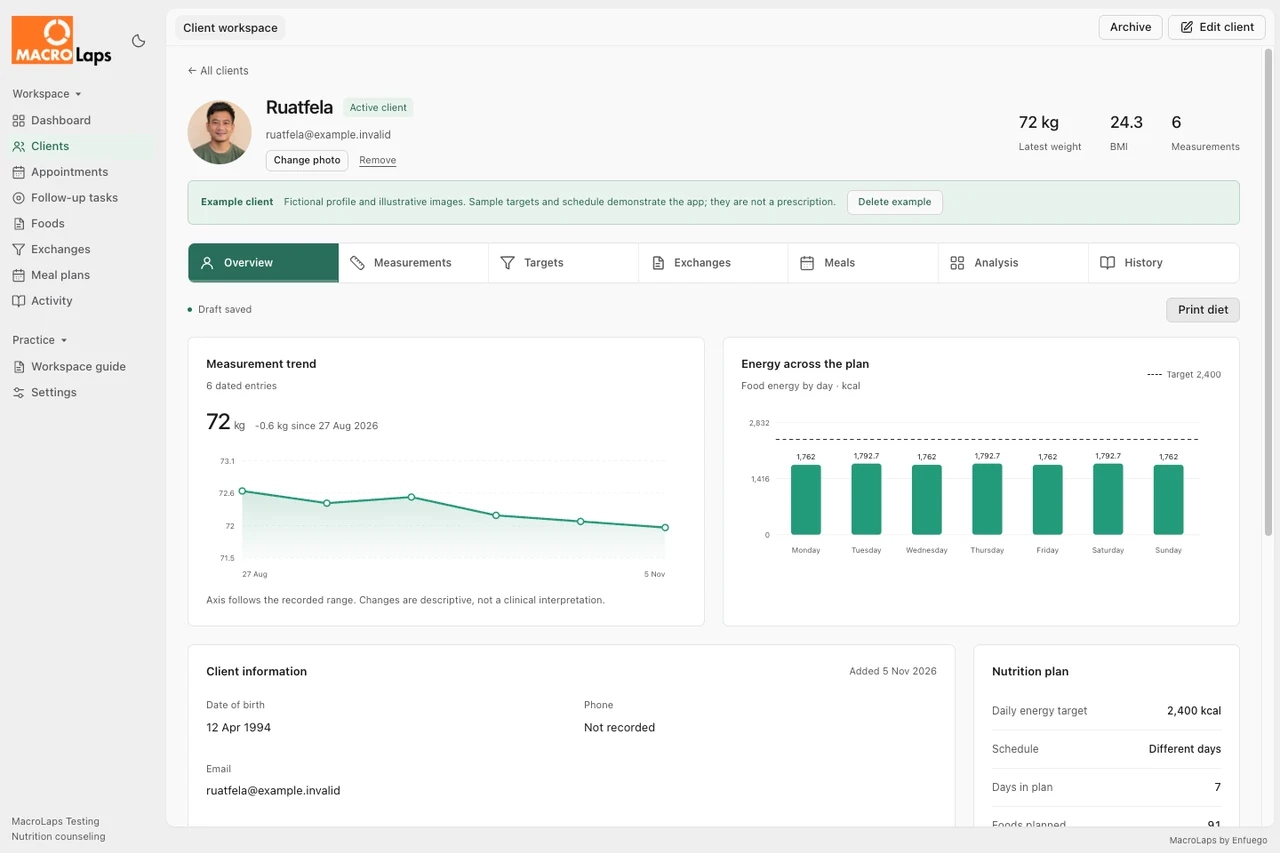
Bring measurements, nutrition targets, appointments and saved plans into one client workspace. Pick up where the last visit left off.
Explore client care ↗Nutrition counseling, thoughtfully organized
Client records, food libraries and meal plans, together in one calm workspace. Made for the way your practice works.
Windows · macOS · Android

A complete view of the client, from the first measurement to the next plan.
Adjust the rice portion to see this sample meal change. These estimates demonstrate the interface, not a dietary recommendation.
| Lunch · 1:00 pm | Portions | Energy | Protein |
|---|---|---|---|
| Cooked rice1 portion = 100 g | 130 kcal | 2.7 g | |
| Cooked lentils100 g | 1 portion | 116 kcal | 9 g |
| Steamed vegetables100 g · recipe estimate | 1 portion | 35 kcal | 2 g |

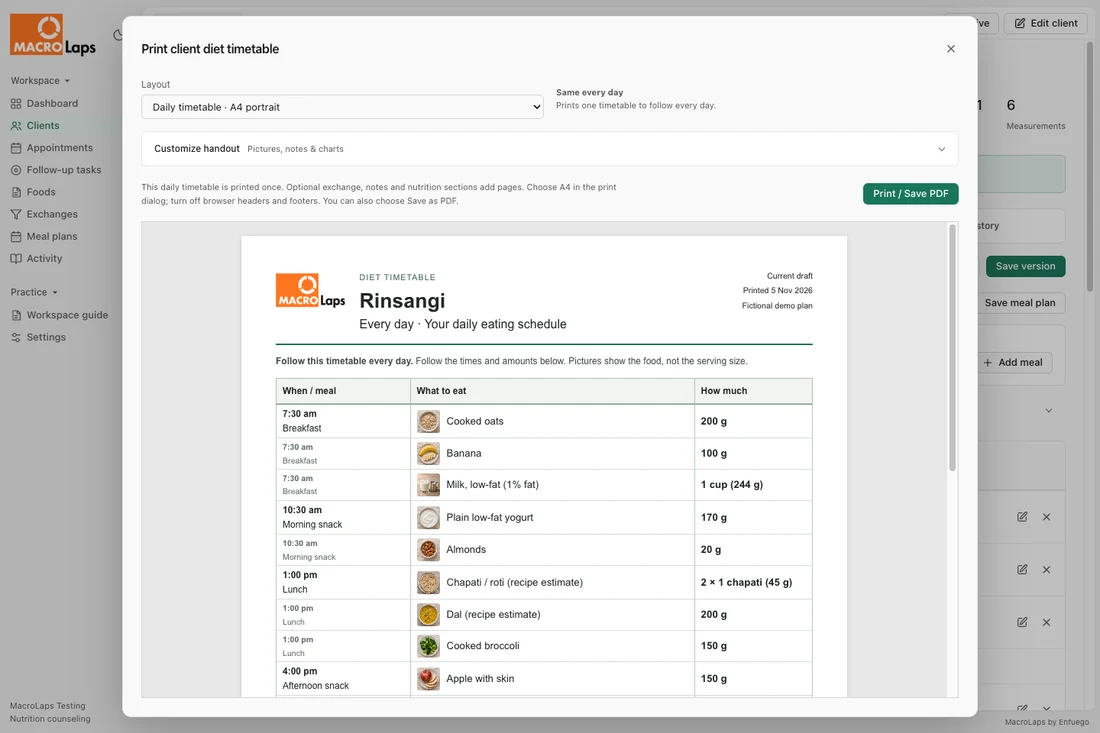
Your practice details. Clear portions. A timetable clients can take home.
One connected workflow
Keep the details close, so the consultation can stay personal.
Bring measurements, nutrition targets, appointments and saved plans into one client workspace. Pick up where the last visit left off.
Explore client care ↗Start with 33 food and drink entries, including Mizo, Indian and everyday choices. Adjust portions, edit recipe estimates and save meals to use again.
Try the meal preview ↗Review recipe estimates for your practice.
Work with records stored on your device. Save encrypted local backups and print plans with your practice letterhead.
Connect for activation and validation at least once every 365 days. Each device has its own workspace.
How licensing works ↗Client records · Meal plans · History
Stored on this deviceYour records, close at hand.
A few things to know
Online activation is required. A valid signed license allowance supports offline work for up to 365 days from successful validation. Your records stay on your device.
A standard lifetime license includes three activations. Each installation keeps its own records. Cloud backup is for recovery and does not synchronize workspaces.
Manual encrypted local backups are included. Cloud storage is a separate paid add-on, subject to availability. Contact Enfuego for its launch status and allowance.
Yes. Add your practice details and logo to client handouts. The installed application keeps MacroLaps branding.
A little less admin. A little more care.